Make a Calendar
Plan, print, and calculate from one place
Start with the editor above, then jump to printable months, holidays, and tools that share the same 2026 dates.
Upcoming months
Open a monthly page to customize, add holidays, and download a PDF.
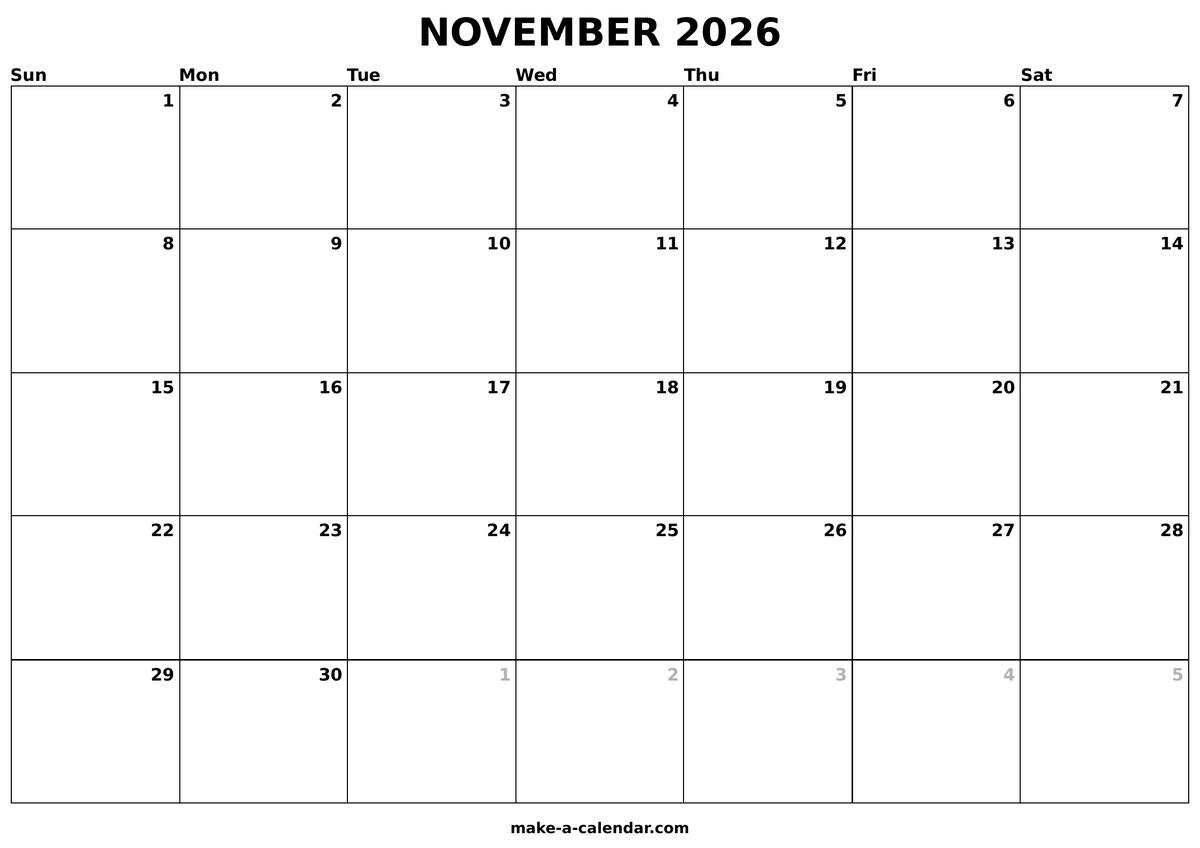
Printable calendars you can edit in your browser
The editor above builds a monthly calendar for November or any month in 2026. Pick a layout, add notes or images, toggle federal holidays, and print to PDF when finished. No account is required, and your work stays in the browser until you save or share a link.
Beyond the editor, the site groups calendars, calculators, and converters so one date question does not send you across unrelated pages. Federal holidays in 2026 follow official observance rules everywhere — printable PDFs, holiday tables, and business-day counts all use the same engine.
Calendars and printables
Monthly and yearly views cover different planning depths. Monthly pages offer large day cells for appointments and classroom schedules; yearly pages show all twelve months on one sheet for long-range overview. Blank templates provide undated grids when you want a reusable layout.
- Monthly calendars — browse and customize all twelve months.
- 2026 yearly calendar — one-page annual PDF with week numbers.
- Blank calendar templates — undated grids for Letter and A4.
- 2026 US holidays — federal observed dates and long weekends.
Date, time, and converter hubs
Calculators are grouped by task so you can jump straight to the right tool. Date tools handle counting days, age math, week numbers, and deadlines. Time tools cover timers, stopwatches, world clocks, and hour totals. Converters translate between Unix timestamps, Excel serial dates, FILETIME values, and ISO 8601 strings — common formats in logs, spreadsheets, and APIs.
- Date tools — days between dates, date calculator, age, week numbers, deadlines.
- Time tools — online timer, stopwatch, pomodoro, world clock, hours calculator.
- Converters — Unix timestamp, Excel serial dates, FILETIME, ISO 8601.
Popular shortcuts
These pages see steady daily use for quick answers — a running timer, today's date in multiple formats, or a timestamp conversion for a database query.
- Online timer · Days between dates · Unix timestamp
- Business days · Today's date · 2026 week numbers
- World clock · Excel date converter
Moon, time zones, and duration
Skywatchers can check today's moon phase, browse a lunar calendar, or list upcoming full moons. Time zone tools compare cities across regions, and the date duration calculator measures spans in days and hours with timezone awareness.
- Moon phases — lunar calendar, illumination, and upcoming full moons.
- Today's moon phase — live phase, age, and rise/set times.
- Time zone converter — world clock and city-pair comparisons.
- Date duration — days, hours, and timezone-aware spans.
Why use Make a Calendar
Whether you are scheduling around a Monday holiday, tracking a 90-day deadline, or printing a kitchen calendar for November, dates here match across every calculator and printable on the site. One consistent source means fewer surprises when a PDF, a business-day count, and a holiday table should all agree.
Frequently asked questions
Is Make a Calendar free to use?
Yes. You can create, customize, and print calendars in your browser without an account. The editor runs on monthly and yearly pages across the site. Save or share a link when you want to return to a layout later instead of rebuilding it from scratch.
Can I print a calendar with US holidays?
Turn on federal holidays in the monthly or yearly editor. Dates follow the same observed rules shown on the 2026 holidays list, including weekend shifts when a legal date falls on Saturday or Sunday. Toggle holidays off anytime for a clean grid.
Where are the date, time, and converter tools?
Three hubs group calculators by task. The date tools hub covers days between dates, business days, age math, and week numbers. The time tools hub covers timers, stopwatches, world clocks, and hour totals. The converters hub handles Unix timestamps, Excel serial dates, FILETIME, and ISO 8601 strings.
Do I need an account to download a PDF?
No. Open any monthly or yearly editor, customize the layout, and export to PDF at full scale through the browser print dialog. The file saves to your device with no signup, subscription, or payment step. Share links are optional for returning to a saved layout.
How do I start with the current month?
The homepage editor opens on November in 2026. Change month and year in the controls above the grid, or browse the monthly and yearly hubs for ready-made layouts. Holiday layers and week-start options apply before you print or share a link.
Do holidays match across calendars and calculators?
Yes. Federal observed dates on printable PDFs, the 2026 holidays table, and the business days calculator all use the same engine. A holiday marked on your printout should match the dated list and any workday count you run for the same date range.