Free · Printable · Customize online
March 2091 Calendar
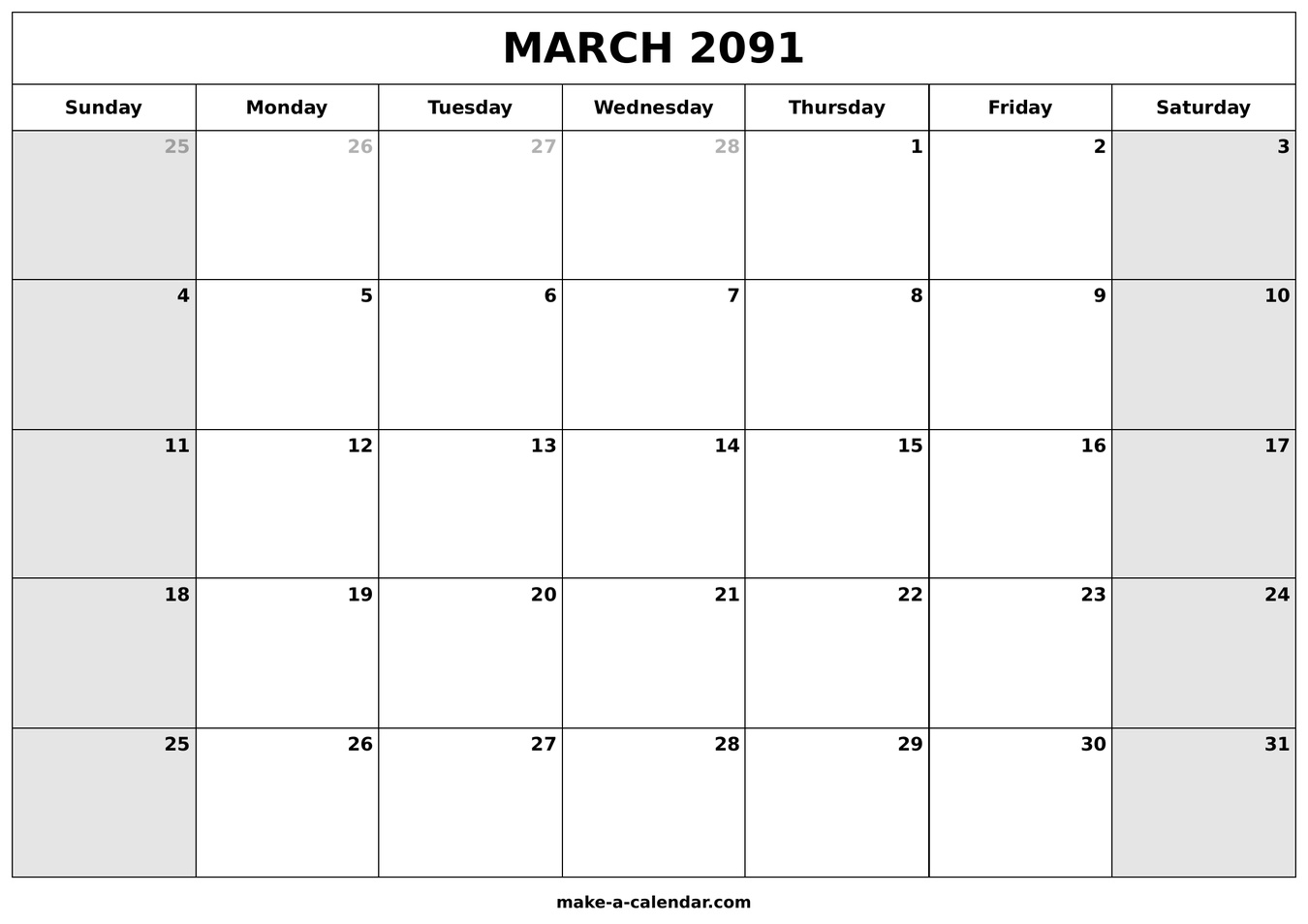
Print or download March 2091 PDF templates with optional US federal holidays. March 2091 has 31 days, starting Thursday and ending Saturday.
March 2091 PDF templates
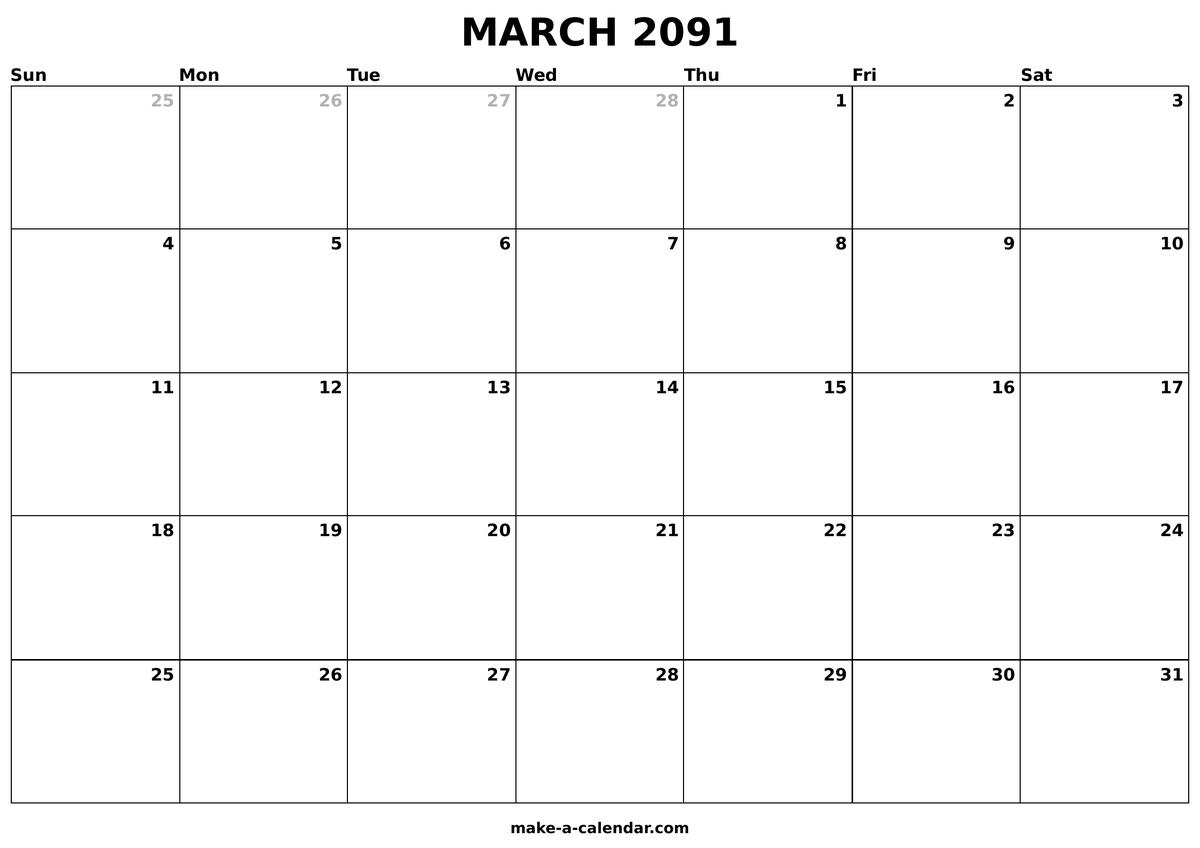
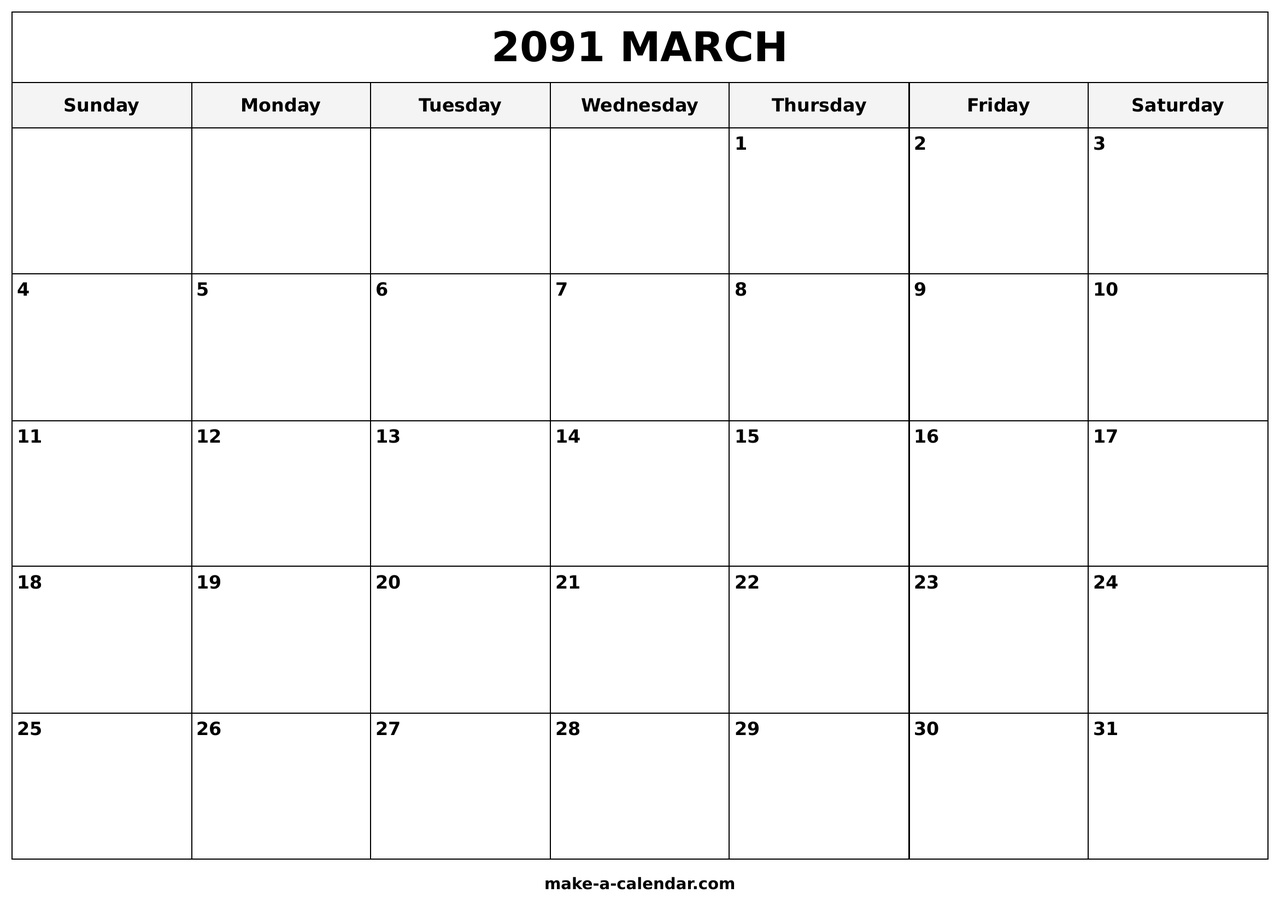
Three print-ready layouts — with federal holidays, plain, or large-print cells. Download PDF at 100% scale for Letter or A4 paper.
How to print this calendar
- Click Download PDF on the template you want above.
- Open the file in your PDF viewer (Preview, Adobe Reader, or Chrome).
- Press Ctrl+P (Windows) or ⌘+P (Mac) and choose your printer.
- Set scale to 100%, portrait orientation, and Letter or A4 paper.
- Enable Fit to page if margins look tight, then print.
Tip: Use the live editor at the top of this page to add holidays or notes before printing from the browser.
About March 2091
March bridges winter and spring — daylight saving time shifts clocks forward in most US states, so double-check meeting times on the second Sunday.
March 2091 has 31 days. The month begins on Thursday and ends on Saturday. Day-of-year numbers run from 60 through 90. Thursday appears 5 times — the most of any weekday this month. Common year — February has 28 days.
Federal holidays in March 2091
No federal holidays fall in March 2091. See the full 2091 US holidays list or browse March 2091 holidays for observances in this month only.
Print, PDF, and customize
Use the calendar editor above to toggle federal holidays, add notes, and download a PDF sized for Letter or A4 paper. For a single-page overview of the whole year, open the 2091 yearly calendar. Browse all months on the monthly calendars hub.
Planning with March 2091
Use this page when you need a trustworthy March grid for 2091: school terms, shift schedules, billing cycles, or family logistics. The live editor matches federal holiday dates to the rest of the site, so a PDF printout stays consistent with our days between dates and business days calculators.
Navigate adjacent months
Previous month: view prior month. Next month: view next month. For week numbers and day-of-year codes, try the week number tool and Julian calendar 2091.
Frequently asked questions
How many days are in March 2091?
March 2091 has 31 days total, from Thursday through Saturday.
What day of the week does March 2091 start on?
March 1, 2091 falls on Thursday. The month ends on Saturday, March 31.
Are there federal holidays in March 2091?
For March 2091, federal holidays are: No federal holidays fall in March 2091. See the holidays hub for observed dates.
Can I print March 2091 with holidays?
Yes. Enable federal holidays in the editor above, customize notes if needed, then download the PDF. Dates match the official 2091 holiday list.
What is the day-of-year range for March 2091?
Days 60 through 90 of 2091 fall inside March. Use the Julian calendar page for a full DOY table.
Where is the 2091 yearly calendar?
Open the 2091 yearly calendar for all twelve months on one page with week numbers and holiday marks.